
Discord Creator Asset StudioAsset Studio
Discord rules verified · Private by design

Discord Creator Tools & Asset StudioMade to fit Discord.

The creator suite built for creators.communities.servers.artists.gamers.

Resize, crop, and format custom emojis, stickers, banners, and avatars to fit Discord perfectly. Everything runs right in your browser—fast, free, and completely private.

Private by design: Local browser processing only. No cloud uploads.
studio: live-preview-stage
CALIBRATED // LIVE
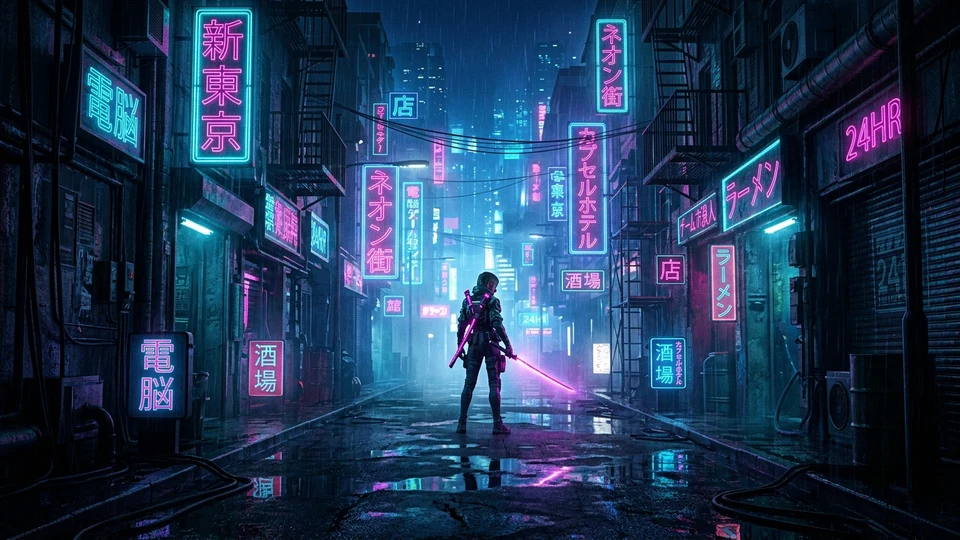
Neo-Tokyo Ronin Cyberpunk Discord Banner
SAFE ZONE VERIFIED (TOP 48PX)16:9 • 960×540
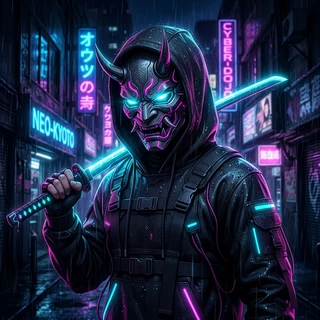
Neo-Tokyo Server Icon
NEO-TOKYO SANCTUARYVERIFIED
18,420 Members • Level 3 Boosted
Discord Ready
960 × 540 (16:9) • Top 48px Cleared
VERIFIED READY
Interactive 3D Template Showcase · Drag & Explore

Start with a design


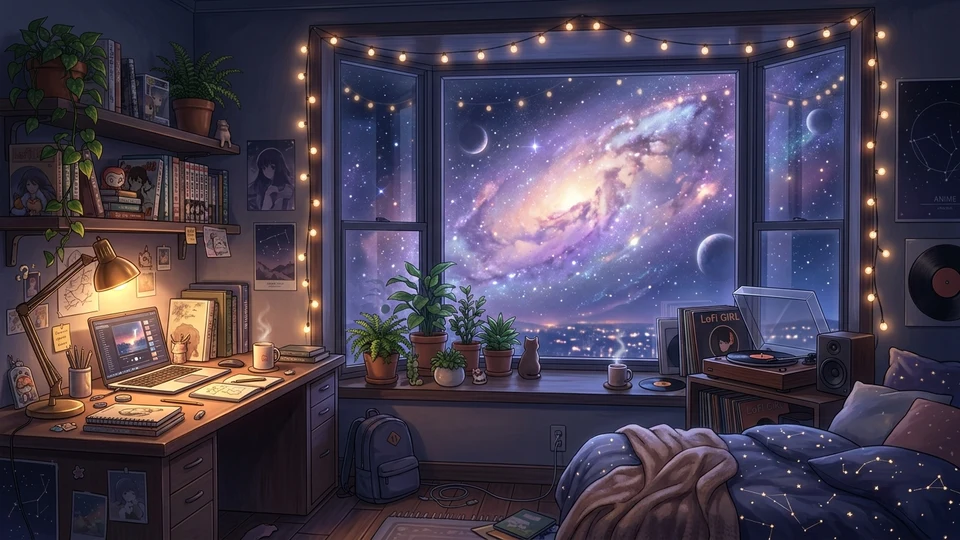
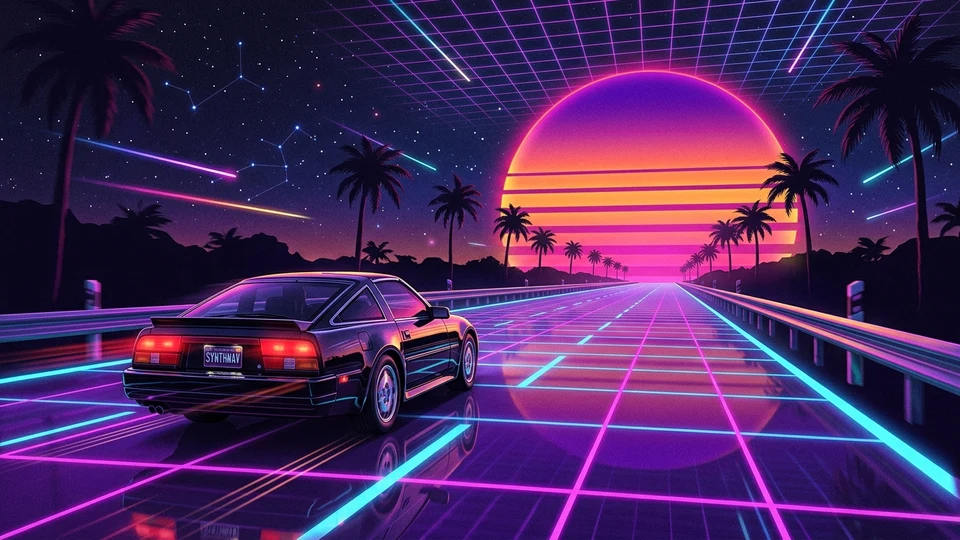
Swipe or drag through curated Discord templates crafted for exact platform dimensions. Click any design to bring it forward or open it in the studio.

Dedicated Utilities

Select an asset type to inspect dimensions, test byte limits, and auto-correct format issues.

😀

Custom Emoji Studio

Upload up to 128x128, preview at 32x32 chat dimensions, and enforce the 256 KiB upload limit with lossless local compression.

Inspect Emoji →
🏷️

Sticker Studio & Photo Cropper

Transform photos into custom Discord stickers with interactive pan & zoom framing, die-cut vinyl borders, and exact 320x320 PNG export.

Create Sticker →
🖼️

Profile & Server Banners

Presets for Global (680x240), Per-Server (600x240), and Server Banners (960x540) with official top 48px safe-zone overlays.

Design Banner →
👤

Avatar & Profile Picture

Circular crop preview and 512x512 square authoring canvas with transparent background checks and Nitro animated avatar flags.

Crop Avatar →
🛡️

Role Icon Maker

Resize to exactly 64x64 pixels and verify under 256 KB. Cites Boost Level 2 and Manage Roles permission rules.

Create Role Icon →
🗜️

Image Compressor & Optimizer

Shrink PNG, JPG, and WebP under Discord's 10MB free upload limit with an iterative quality step-down. Keeps original dimensions.

Compress Image →
📐

Image Resizer with Presets

Scale any image to exact Discord sizes—512x512 avatar, 320x320 sticker, 128x128 emoji, 960x540 banner—with fit, fill, or stretch modes.

Resize Image →
🙈

Spoiler Maker for Text & Images

Wrap messages in || || spoiler markup or add the SPOILER_ filename prefix to blur an image attachment until a reader clicks it.

Make a Spoiler →
🎨

Color Palette & Hex Codes

Copy Discord's background, blurple, and status hex codes, or sample any color to get exact HEX, RGB, and HSL values.

Browse Colors →
🕒

Dynamic Timestamp Generator

Turn any date into Discord's <t:> markup for all seven styles. Timestamps auto-convert to each viewer's local timezone.

Generate Timestamp →
📋

Emoji Copy & Paste Board

Click-to-copy Unicode emojis and kaomoji—smileys, hearts, symbols, animals, text faces—that paste into any chat without Nitro.

Copy Emojis →
🔤

Fancy Font & Text Generator

Turn plain text into bold, italic, script, and boxed Unicode fonts for names, bios, and chat. Readable styles first, one-click copy, favorites.

Generate Fonts →
🌈

Colored Text Generator

Style words with Discord ANSI colors, bold, and underline, then copy a ready-to-paste code block. Live preview mirrors how Discord renders it.

Color Text →
📝

Markdown Previewer

Format bold, italics, spoilers, quotes, lists, and code blocks with a live chat preview that mirrors how Discord renders your message. Copy and paste.

Preview Markdown →
📋

Embed & Webhook Builder

Design a rich embed with a visual form and a live Discord preview, then copy the webhook JSON or send it straight to a channel. Your webhook URL never leaves your browser.

Build Embed →
🏰

Server Icon Maker

Frame artwork on an exact 512x512 canvas with pan, zoom, and a live rounded-square server-list preview, then export a clean PNG.

Make Server Icon →
🔰

Logo & Badge Maker

Build your own trademark-safe server badge from initials or an emoji over a gradient, in a circle or rounded square. 512x512 PNG.

Make a Badge →
📋

Official Size Cheat Sheet

Comprehensive specification table covering dimensions, aspect ratios, file extensions, and server level requirements.

Browse Specs →
🎞️

Discord GIF Maker

Convert MP4 and WebM clips to animated Discord GIFs with auto-compression under the strict 10MB Nitro limit.

Make GIF →
🗜️

Discord GIF Compressor

Shrink an existing animated GIF under the 256 KiB emoji cap or 10MB chat limit with scale, palette, and frame-skip controls.

Compress GIF →
🎬

Discord Video Compressor

Transcode MP4, WebM, and MOV under the 10MB free limit (50MB Boost / 500MB Nitro) with resolution, quality, and audio controls — all in your browser.

Compress Video →
💬

Fake Message Maker

Build a fictional Discord chat screenshot for memes, comics, and roleplay — names, colors, avatars, and bot tags on a canvas, with a FICTIONAL watermark on by default.

Make a Mockup →
🔍

Snowflake ID Decoder

Decode any Discord user, message, or server ID into its exact creation date, worker & process IDs, and timestamp markup. Grabs public avatars & banners too.

Decode ID →
🔐

Permission Calculator

Tick the permissions a role or bot needs to get the exact permissions integer, decode any value back to checkboxes, and build the OAuth2 bot invite URL. Pure client-side math.

Calculate →
🎲

Username Generator

Generate Discord username ideas across nine styles — pronounceable, aesthetic, and themed — with a 3 & 4-letter mode, click-to-copy, and saved favorites. Every idea follows Discord’s handle rules.

Generate →
📝

Bio Generator

Build a Discord bio from a copy-paste template or themed word banks — aesthetic, cute, gaming and more — with a live 190-character counter, symbol & divider inserts, and saved favorites.

Write Bio →
🔠

Text Formatting Generator

Type your text once and copy every Discord markdown style — bold, italic, underline, strikethrough, spoiler, headers, subtext and code — each with a live rendered preview. Native markdown, no Nitro.

Format Text →
Built for Discord Rules

Never get rejected at upload again.

See how our four-step checker works right in your browser. Your files never get uploaded to a server, text and edges stay crisp, and your assets pass Discord limits on the first try.

101 / Open File
202 / Check Limits
303 / Crop & Resize
404 / Ready to Upload
01INGESTION
100% In-Browser

Everything Stays on Your Device

Drag and drop pictures, animated GIFs, or paste directly from your clipboard. Your files stay in your browser's local memory—nothing is ever uploaded to a remote server.

Network Transmission:0 Bytes Transferred
02EVALUATION
28 Active Rules

Instant Rule Checking

We check your file against Discord's official rules. That includes the exact byte limits (like 256 KiB / 262,144 bytes instead of rounded numbers), aspect ratios, and format requirements before you download.

Rule Evaluation Latency:< 4 milliseconds
03TRANSFORMATION
Lossless Canvas

Smooth Resizing & Safe Zones

Easily crop and scale your image without losing quality or transparency. For banners, we show you the top 48px safe zone overlay so Discord buttons won't hide your text or art.

Safe-Zone Precision:100% Geometry Match
04EXPORT
Zero Upload Failures

Guaranteed Upload on Discord

Before you download, we measure the exact file size down to the byte. If it's too big, our local compressor trims file size without muddying your pixels until it safely fits under Discord's upload ceiling.

Verification Status:Guaranteed Pass
Discord Specs Made Simple

Discord Rules: Sizes & Formats

Discord has strict limits for file sizes, pixel dimensions, and safe zones. If a file is even one byte or one pixel off, Discord rejects it. Here is everything you need to know in plain English.

101 / The 256 KiB Upload Cap
202 / Banner 48px Safe Zone
303 / Exact 320×320 Stickers
404 / True Color & Transparency
505 / 100% In-Browser Privacy
01

Why Files Under "256 KB" Still Get Rejected

Rule: 256 KiB Limit

Why does Discord say a file is too big when your computer says it is 256 KB? Windows and macOS count 1 kilobyte as 1,000 bytes. But Discord uses binary math, where 1 kibibyte (KiB) is exactly 1,024 bytes—making the real ceiling 262,144 bytes. If your file has 262,800 bytes, your file manager says "256 KB", but Discord blocks the upload immediately. Our studio checks the exact byte count so you never hit that error.

❌ What Your Computer Shows
262,800 bytes ➔ Computer says 256 KB, but Discord rejects it
✓ What Discord Actually Checks
Under 262,144 bytes ➔ Upload succeeds on the first try
02

Server Banners: Watch the Top 48 Pixels

Safe Zone: Top 48px

Server banners make your community look professional. Discord recommends at least 960x540 pixels (or 1920x1080 for high-resolution screens). But on desktop, Discord covers the top 48 pixels with your server name, search bar, and dropdown menu. Keep text, logos, and faces in the middle or bottom of the banner so they never get hidden behind buttons.

Desktop Safe Area:960 × 492 px Safe Focal Area (below top 48px overlay)
03

Stickers Must Be Exactly 320×320 Pixels

Exact 320×320

Emojis can be any square image because Discord scales them down automatically. But stickers have zero tolerance: your image must measure exactly 320x320 pixels and stay under 512 KiB (524,288 bytes). If it is 319x320, Discord immediately throws an "invalid asset" error. Also, animated stickers must be APNG (Animated PNG)—regular GIFs will not work for server stickers.

Animated Sticker Limits:Max 5.0 seconds • Max 60 FPS • APNG format
04

Color Profiles & Transparent Backgrounds

Standard sRGB

Discord runs on mobile screens, tablets, and gaming monitors. When exporting images, stick to the standard sRGB color space. If you export in wide-gamut profiles like Display P3 or Adobe RGB, your colors can look muted or muddy in Discord's desktop client. Always keep transparent backgrounds clean in PNG files so your art looks great in both Dark and Light themes.

Recommended Profile:sRGB with 8-bit RGBA Transparent Channels
05

100% Private in Your Browser

Zero Server Uploads

Most online image converters send your artwork to remote servers, which can be slow and risky if you are preparing unreleased branding or private designs. Discord Asset Studio processes all images right inside your browser memory. We never upload, save, or track your images.

Network Data Sent:0.00 KiB Transmitted (Verify anytime in DevTools)
Frequently Asked Questions

Discord Creator Asset FAQs

Why did Discord reject my custom emoji under 256 KB?

Discord enforces a strict binary limit of 256 KiB (262,144 bytes). Operating systems frequently display file sizes in decimal kilobytes (1 KB = 1,000 bytes). An emoji showing as 256 KB on your computer might actually be 262,500 bytes, causing Discord to reject it. Discord Asset Studio measures the exact encoded Blob byte count.

What are the exact dimensions for Discord server banners?

Discord recommends a minimum size of 960x540 pixels with a 16:9 aspect ratio, though 1920x1080 is commonly used. Remember that Discord overlays channel headers and navigation across the top 48 pixels of the banner on desktop, so important content should remain below that zone.

Are my images uploaded to any server when I use this tool?

No. Discord Asset Studio runs 100% client-side in your browser. All resizing, cropping, and compression happens locally inside your device memory using Web Workers and the HTML5 Canvas API. No media or filenames are ever sent to an external server.

What are the rules for animated Discord stickers?

Discord custom stickers must be exactly 320x320 pixels and under 512 KiB (524,288 bytes). Animated stickers must use APNG (Animated PNG), have a maximum duration of 5 seconds, and run at 60 frames per second or lower.

What is the correct Discord avatar size, and can I add avatar decorations?

Discord avatars display best at 512x512 pixels and are cropped to a circle in the client. Our avatar cropper previews the exact circular mask before you export. Avatar decorations are separate transparent PNG overlays that frame your profile picture — the customizer lets you preview popular decoration styles live on your avatar so you can see the framing before you commit.

How do I make an animated Discord banner GIF that stays under 10MB?

Discord profile and server banners use a 960x540 (16:9) canvas, and animated banner GIFs must stay under Discord's 10MB Nitro limit. The studio renders a live file-size indicator while you compose, then auto-downsamples the export so every animated Discord banner is guaranteed to land under the 10.0MB ceiling without freezing your browser.

Can I convert a video into a Discord GIF?

Yes. The Discord GIF maker converts short video clips into looping GIFs sized and compressed for Discord. Because everything runs client-side in a Web Worker, your video is never uploaded — the conversion, trimming, and compression to fit the Discord GIF size limit all happen locally on your device.

How do I find and copy my Discord profile theme color hex code?

Discord profile theme colors are stored as hex codes. When you drop artwork into the customizer, it samples the dominant background and accent colors directly from the image on the canvas and gives you a one-click Copy Discord Nitro Theme Hex button, so your custom Discord background and banner match perfectly.

What size should a Discord role icon be?

Discord role icons render at 64x64 pixels and should stay under 256 KB. The role icon maker formats a crisp circular badge at the exact 64x64 size, and the exporter reports the encoded file size so you know it will be accepted before you upload it to your server settings.

Guides & Resources

Discord Design Guides, Tutorials & Free Assets

Step-by-step tutorials, curated PFP and banner libraries, and reference specs to help you build a standout Discord profile or server.