
Discord Gaming Banners & Esports Assets
High-octane gaming banners, stream headers, and competitive profile sets featuring tactical HUDs, neon arenas, and retro pixel gaming aesthetics. Handcrafted 960x540 banners and 512x512 matching avatars engineered with strict 48px Discord safe zones, 1-click profile hex matching, and loop-perfect animations under 10MB.

Crimson Sparks: Chixia Flaming Sakura Strike
Wuthering Waves Chixia firing twin thermal pistols into a storm of glowing vermilion embers and swirling blazing sakura blossoms.

Glacio Elegance: Sanhua Crystalline Lotus
Wuthering Waves Sanhua drawing her pure silver rapier amidst freezing mist, crystalline frost petals, and pale blue eyes.


Blazing Rebirth: Changli Phoenix Flame Gaze
Wuthering Waves Changli sweeping her blazing fan with dancing vermilion phoenix feathers and hypnotizing fiery crimson gaze.


Snowbound Vengeance: Ghost of Yotei Atsu
Atsu unsheathing dual katana blades against a howling snow gale beneath the majestic volcanic summit of Mount Yotei.


Spartan Fury: Kratos Blades in Midgard Blizzard
Ghost of Sparta standing weathered in a howling Nordic blizzard with incandescent orange Blades of Chaos radiating ember sparks.

Alpine Sentinel: Wildflower Summit
Armored monster hunter seated upon a summit boulder overlooking glaciated jagged peaks and rolling fields of pink wildflowers.

Pixel Horizon: Minecraft Sunset Cat
Iconic white cat staring into the camera before a pixelated Minecraft sunset with a glowing block sun and evening meadows.
Hacker Cat: Turbo Typing
High-velocity kitten hammering furiously on laptop keys solving critical server bugs.
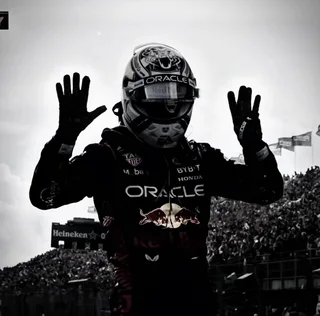
Apex Speed: Red Bull Racing Helmet
Matte midnight blue Formula 1 racing helmet featuring the fierce charging bull emblem and aerodynamic visor.
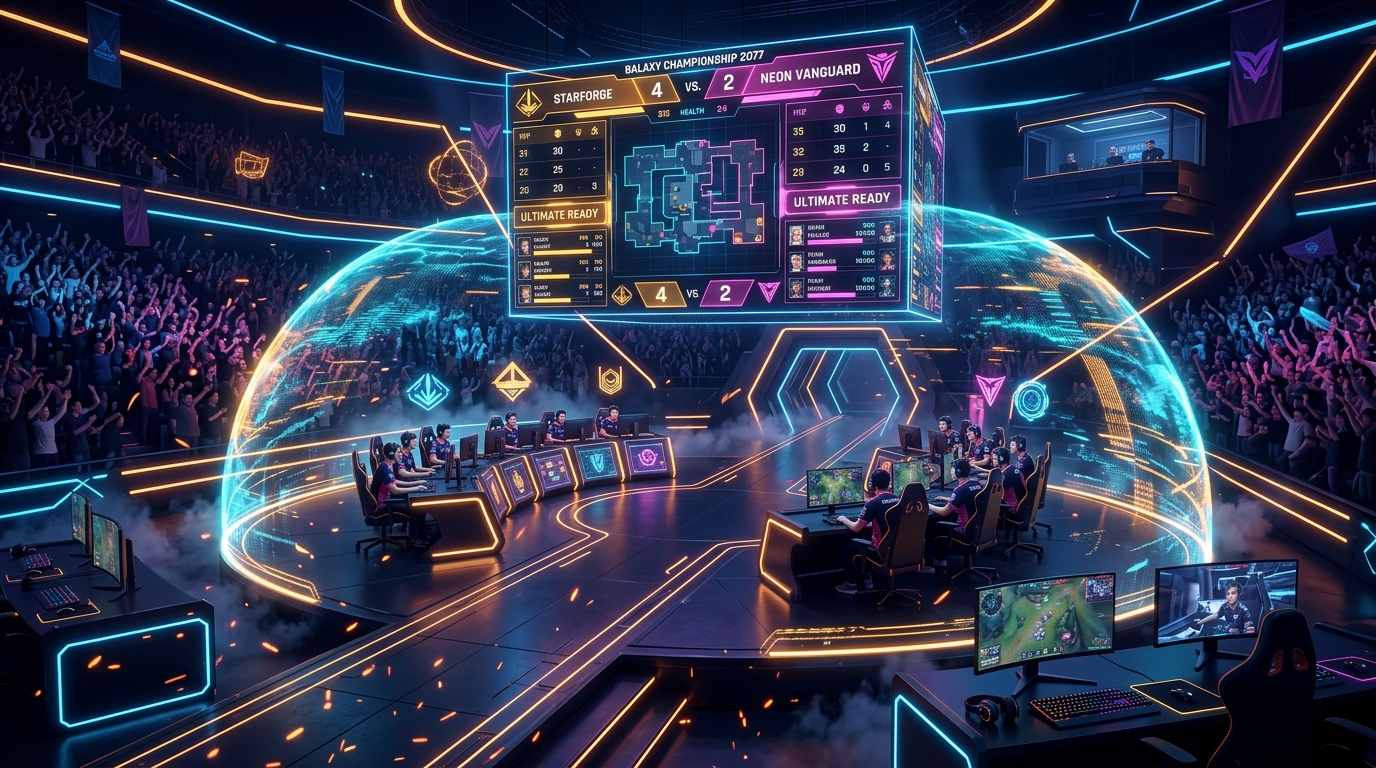
Apex Arena: Cyber Championship
A massive esports tournament stadium packed with cheering crowds under holographic lasers and neon scoreboards.
No matching Gaming presets
Try clearing your search term or mood filter.
Discord Creator Guide: Gaming & Esports Specifications
Tactical HUD Composition, High-Contrast Gradients & Esports Alignment. Learn the precise safe-zone dimensions, Discord Nitro animation limits, and profile theme hex integration required to render pristine Discord profiles.
Safe Zones & Banner Geometry
960x540 Profile Banners & 512x512 Avatars with Tactical Margin Buffers
Esports banners and gaming clan graphics must preserve team logos, gamertags, and sponsor crests. Keep all typography and critical logos between 20% and 80% horizontal canvas width, well above the 48px top status overlay and clear of the bottom-left avatar bubble.
Seamless Profile Hex Blending
1-Click Discord Nitro Profile Integration
Tactical gaming profiles demand high visual contrast. Set your Discord profile primary theme to stealth carbon (#0B0F19 or #111827) and your accent color to matrix emerald (#10B981) or cyber cyan (#06B6D4). This makes your Discord badges, roles, and status message stand out sharply.
Motion Loops & 10MB Nitro Limit
Seamless Looping at 30-60 FPS
Gaming animations (HUD pulses, neon grid scans, and laser sweeps) look best when looped at high frame rates. Our presets utilize 60 FPS motion timings with optimized color palettes that stay well under Discord's 10MB Nitro upload ceiling.
Circular Avatar Recomposition
512x512 with 15% Perimeter Padding
Circular gaming avatars must keep clan logos and emblem silhouettes dead center. Avoid thin line borders near the edges that can become distorted when Discord anti-aliases circular avatar crops on mobile.
Visual Safe-Zone Architecture (960 x 540)
How Discord renders user profile banners on desktop & mobile clients.
Pro Tip: If you manage an esports server, use 1920x1080 for your Discord Server Banner to guarantee ultra-sharp rendering on 4K monitors, while keeping user profile banners at 960x540.
Gaming & Esports Discord Asset FAQs
Common questions from creators about sizing, Nitro requirements, theme matching, and copyright compliance.
What resolution and file format work best for Discord gaming banners?
How can esports teams make banners that don't block server titles or channels?
How do I keep my animated gaming banner under Discord's 10MB limit?
What hex color codes look best with competitive gaming Discord profiles?
Can I customize gaming clan banners with our team name or clan tag?
Explore Free Discord Creator Tools
Need custom dimensions or want to test your own artwork? Use our specialized browser utilities.
Discord Banner Studio
Crop, resize, and inspect 960x540 banners with live Discord safe-zone grid guides.
Launch Tool →Avatar & PFP Optimizer
Preview 1:1 circular cropping, decoration borders, and status badge alignment.
Launch Tool →Discord Size Cheat Sheet
Every verified 2026 dimension for banners, avatars, emojis, stickers, and role icons.
Read Specs Guide →